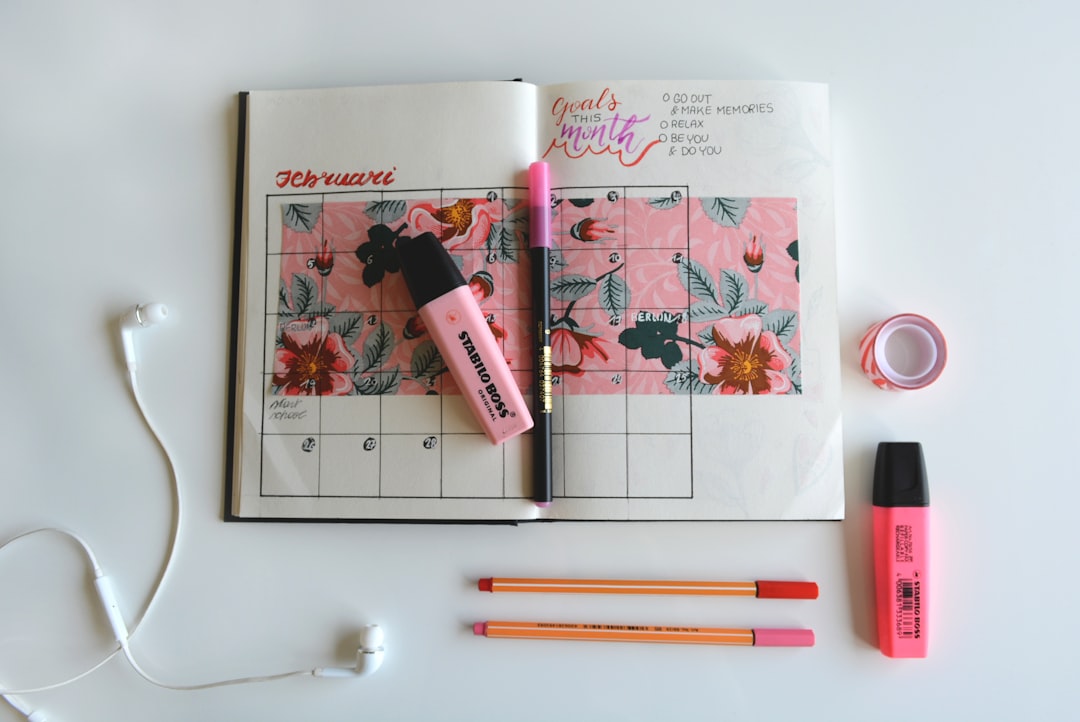
fashion content calendar built around proven video formats, platform-ready concepts, and enough variety to keep your audience engaged every single day of the month.
- A structured fashion content calendar eliminates decision fatigue and keeps posting consistent across TikTok, Reels, Shorts, and Pinterest.
- Mixing content pillars — education, inspiration, product, and social proof — prevents audience fatigue and drives both reach and conversion.
- AI video tools allow small teams to produce 30 days of fashion video ideas without on-camera talent or a full production crew.
- Repurposing single outfit shoots across multiple formats multiplies output without multiplying effort.
- Seasonal hooks, trending sounds, and platform-specific formats should be planned at least one week ahead to avoid last-minute scrambling.
Why You Need a Fashion Content Calendar
Consistency is the single biggest predictor of social media growth for fashion accounts, yet it is the thing most brands sacrifice first when bandwidth shrinks. A fashion content calendar is not a creative straitjacket — it is a production system that reserves creative energy for execution rather than ideation under pressure.
The brands that dominate short-form video plan in content pillars: educational content that teaches styling, inspirational content that sells aspiration, product-led content that drives click-throughs, and community content that builds loyalty. A 30-day calendar spreads these pillars across the month so no single week feels repetitive and no content type is over-indexed.
Planning ahead also means you can align posts with cultural moments, seasonal shifts, and trending audio before they peak — not after. If you want a broader view of how to structure this across an entire year, the Seasonal Fashion Video Strategy: Planning by Quarter guide covers quarterly frameworks in detail.
The Four Content Pillars for Fashion Video
Before listing individual ideas, it helps to understand the framework behind the calendar. Every post belongs to one of four pillars:
- Education: How-to styling, capsule wardrobe tips, care instructions, size guides, trend breakdowns.
- Inspiration: Mood board videos, aesthetic edits, celebrity-inspired looks, seasonal outfit stacks.
- Product: New arrivals, restocks, flat lay reveals, try-on clips, detail shots.
- Social proof: Customer outfit reposts, reviews, before-and-after transformations, UGC compilations.
A healthy 30-day calendar typically allocates roughly eight posts per pillar with two flex slots for reactive or trending content. The exact split depends on your funnel stage — brands in growth mode should weight inspiration and education; brands in conversion mode should weight product and social proof.
30 Days of Fashion Video Ideas
Below is a day-by-day breakdown of outfit content ideas organised by week. Each idea is platform-adaptable and producible with existing photography assets when paired with an AI video tool like Outfit Video.
Week 1 — Hook and Educate
- Day 1: “3 ways to style one pair of wide-leg trousers” — a multi-look transition video.
- Day 2: Flat lay reveal of your current bestseller with a subtle zoom animation.
- Day 3: “What to wear this week” roundup — five outfits, five seconds each.
- Day 4: Trend explainer: what the quiet luxury aesthetic actually means for your wardrobe.
- Day 5: Customer photo repost with a short caption overlay about how they styled the piece.
- Day 6: Capsule wardrobe build — show ten items, demonstrate five outfit combinations.
- Day 7: Behind-the-scenes of a photoshoot or product packaging — humanise the brand.
Week 2 — Inspire and Convert
- Day 8: Mood board video for your current collection. For a guide on producing these quickly, see How to Create a Fashion Brand Mood Board Video.
- Day 9: “Get the look” video recreating a celebrity or street-style outfit with your pieces.
- Day 10: New arrival drop — use animated flat lays to reveal each piece sequentially.
- Day 11: Outfit transition video: one person, three occasions, three looks.
- Day 12: “Colour palette of the week” — show four outfits anchored by a single shade.
- Day 13: Size inclusivity post — same outfit styled on different body types.
- Day 14: Poll-style video: “Which look would you wear?” showing two contrasting outfits.
Week 3 — Educate and Build Trust
- Day 15: Styling myth-busting: “You cannot wear prints with prints” — debunked with a visual proof.
- Day 16: Fabric detail video — extreme close-up of texture paired with care tip.
- Day 17: Before-and-after outfit transformation. This format performs consistently well across all platforms — the How to Create Before-and-After Outfit Transformations post covers execution in full.
- Day 18: “How to build a travel capsule” — five items, 10 outfits concept.
- Day 19: Seasonal transition guide — how to move pieces from summer into autumn layering.
- Day 20: UGC compilation — five customer videos stitched into a 30-second social proof reel.
- Day 21: “Outfit formula” post — teach a repeatable styling equation (e.g., blazer plus wide leg plus loafer).
Week 4 — Convert and Retain
- Day 22: Flash sale or restock announcement — urgency-led product video with countdown overlay.
- Day 23: “Most-loved pieces this month” — a top-five product roundup video.
- Day 24: Styling Q&A — answer three common questions sourced from comments.
- Day 25: Gift guide format — five outfits presented as gifting occasions.
- Day 26: Throwback post — revisit a best-selling piece from a previous season and re-style it.
- Day 27: Lookbook video — a cohesive editorial sequence from your latest shoot.
- Day 28: “What sold out and why” — education content about your bestsellers that builds future demand.
- Day 29: Community spotlight — feature a loyal customer or brand collaborator.
- Day 30: Month-in-review content — a fast-cut compilation of the month’s best looks with a teaser for next month.
How to Produce 30 Videos Without Burning Out
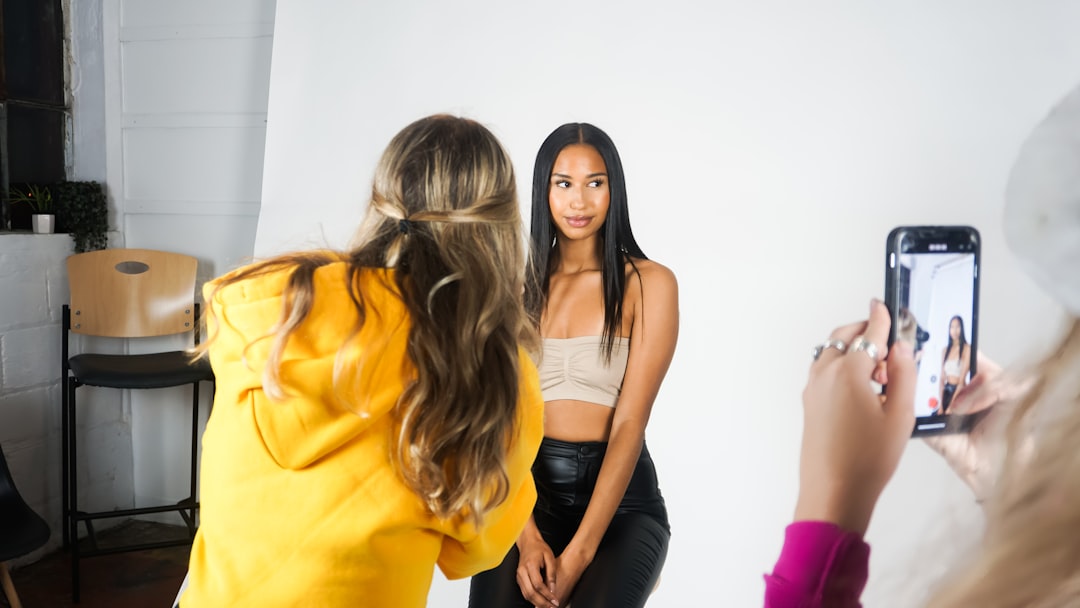
Volume becomes manageable when production is batched and tooling is right. A single afternoon photoshoot generating 20 outfit photos can power 10 to 15 video posts when those stills are processed through an AI video generator that adds motion, transitions, and audio synchronisation automatically.
The key production principle is to separate shoot days from edit days and edit days from publish days. Shoot once a week, batch-process content mid-week, and schedule everything in advance. AI tools remove the edit bottleneck entirely for brands that rely on photography assets rather than on-camera video.
When distributing across platforms, ensure your vertical dimensions and aspect ratios are correct before scheduling. The Vertical Video Specs for Every Social Platform in 2026 guide is a practical reference to keep open during the scheduling phase.
Measuring What Works in Your Calendar
A content calendar only improves if you review it. At the end of each week, note which fashion video ideas drove the most saves, shares, profile visits, and link clicks — these are the metrics that indicate content quality rather than passive consumption. Views and likes measure reach; saves and shares measure value.
Each content pillar will perform differently by platform. Education posts tend to drive saves on Instagram and Pinterest. Product videos tend to drive link clicks on TikTok. Transformation content drives shares across all platforms. Build your next month’s calendar by amplifying the formats that generated the highest-value actions rather than the highest raw numbers.
FAQ
How far in advance should I plan my fashion content calendar?
A minimum of two weeks ahead is practical for most small teams. Four weeks ahead is ideal and allows you to align content with seasonal moments, product launches, and trending audio cycles before they peak. The calendar in this post is designed to be planned in one session and executed week by week.
How many times per week should a fashion brand post video content?
For most platforms, three to five posts per week delivers enough frequency to remain visible in algorithmic feeds without exhausting a small content team. Daily posting accelerates growth but requires a batched production system and AI tooling to sustain without hiring additional staff.
Can I use the same video across TikTok, Instagram Reels, and YouTube Shorts?
Yes, with minor adjustments. The core video asset can be shared across all three, but captions, hashtags, and audio choices should be optimised for each platform individually. Avoid leaving TikTok watermarks on Reels, as Instagram deprioritises watermarked content in distribution.
What types of outfit content ideas perform best on Pinterest?
Inspirational content — mood boards, seasonal outfit stacks, colour palette edits, and capsule wardrobe builds — performs best on Pinterest because the platform functions as a discovery and planning tool rather than an entertainment feed. Video Pins that show outfit detail and styling versatility consistently outperform single-image posts.
Do I need to film new footage every day to maintain a 30-day calendar?
No. A well-stocked content calendar relies heavily on repurposing. A single set of outfit photos can generate multiple posts through animated flat lays, transition edits, detail crops, and before-and-after formats. AI video tools make it possible to produce a full month of content from a single shoot day’s worth of assets.
Ready to turn your outfit photos into scroll-stopping videos? Try Outfit Video free and create your first AI fashion video in minutes.
Ready to turn your outfit photos into scroll-stopping videos? Try Outfit Video free and create your first AI fashion video in minutes.